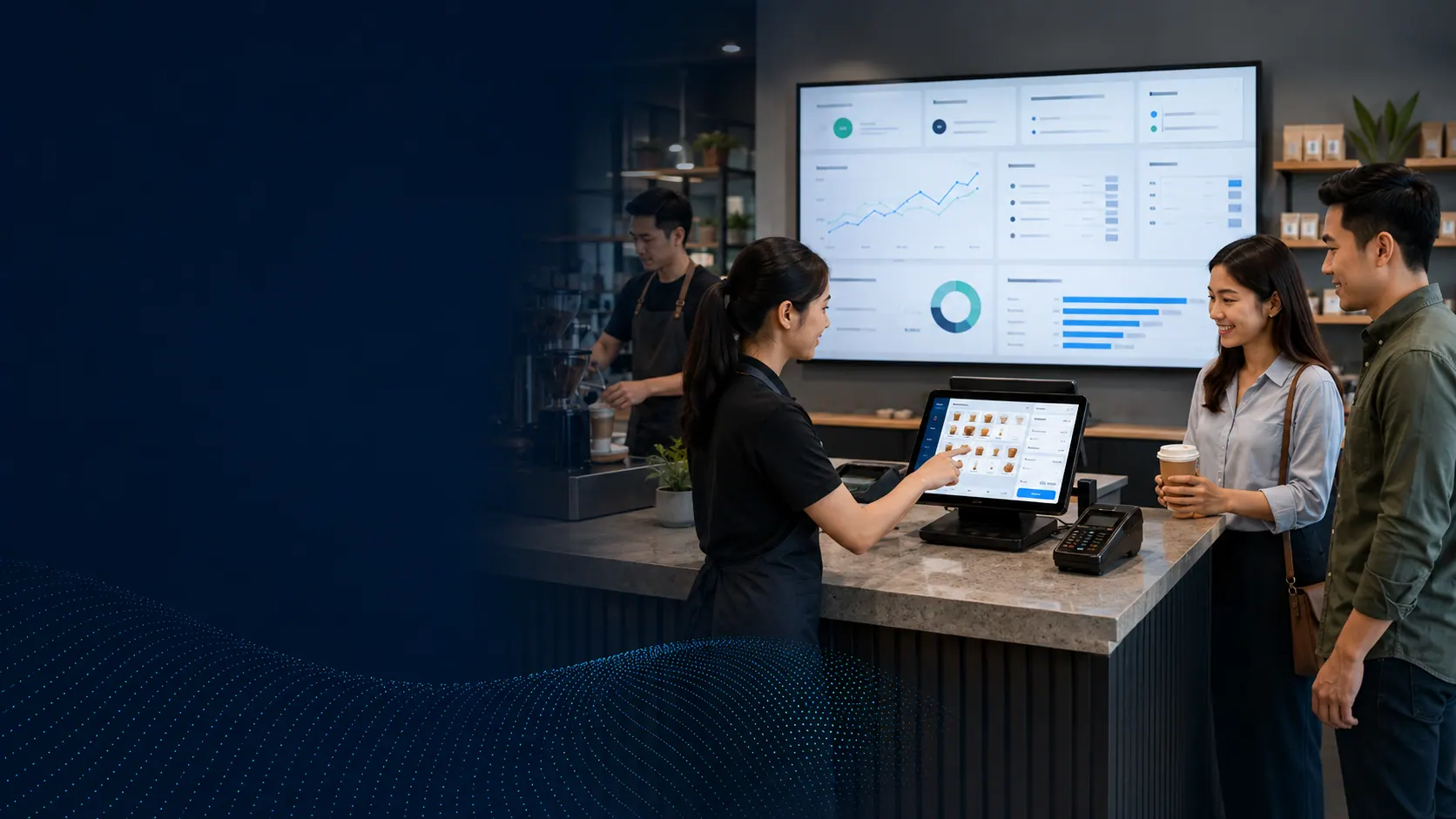

AutoCount OneSales POS · Cloud sales & inventory
Connect counter sales, stock and business insight in one clearer workflow.
VECTOR DYNAMIC helps retailers prepare items, outlets, payment methods, user roles and posting rules so OneSales becomes a usable daily process—not another disconnected system.
Specification & deployment fit
Check the operating context before quotation.
Model, edition, capacity, device compatibility and implementation scope are confirmed during the requirement review.
| Model / solution | AutoCount OneSales POS |
|---|---|
| Verification / workflow | Configured user and outlet roles |
| Capacity / plan | Confirm subscription, users and outlets |
| Connectivity | Cloud access; selected accounting workflow |
| Best-fit scene | Retail counters, stock and multi-outlet visibility |
Final fit depends on the selected model, edition, workplace conditions and agreed workflow.
Problem → practical workflow
When sales channels grow, disconnected data slows every decision.
Counter sales, marketplace orders, stock movement and accounting should not require separate spreadsheets just to understand what happened.
Scattered sales data
Offline and online transactions can become difficult to compare when every channel has a separate view.
Unclear stock position
Weak item, location and replenishment control can create avoidable stock questions at the counter.
Slow management reporting
Owners need product, profit, location and channel views without rebuilding the same report every week.

Retail workflow in context
From the sale to the stock view
A customer-facing sale is only the first step. The useful workflow keeps items, payments, stock and reporting connected after the customer leaves.
Capture the sale
Use an agreed counter or sales-channel process.
Update stock
Keep item and location movement visible.
Review results
Give owners a clearer sales and inventory view.
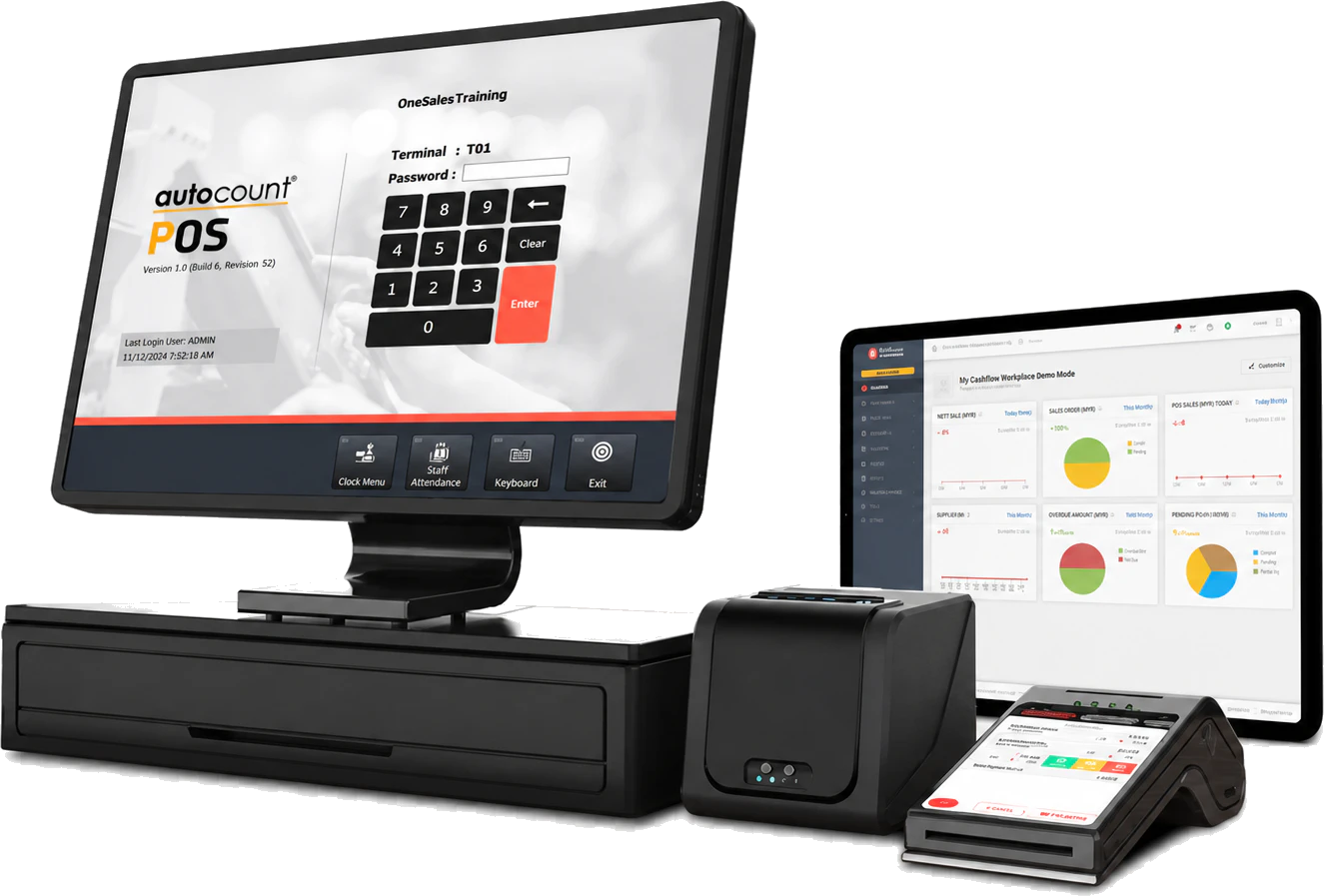
Fit before feature
A good fit for retailers that need more than a basic cash register
- Number of outlets, counters and named users
- Item count, variants, barcodes and opening stock
- Payment methods, tax settings and receipt format
- Required Cloud Accounting or marketplace connection
What your team can do
Useful features for the daily workflow
Start with the work your team needs to complete, then match the right plan, hardware and setup.
Cloud access
Access the OneSales backend from supported devices and locations with controlled user access.
POS transactions
Support day-to-day counter sales, payment handling and outlet terminal workflows.
Inventory control
Manage stock availability, costing, pricing, variants and multiple locations within the selected scope.
Accounting posting
Configure controlled POS posting to AutoCount Cloud Accounting when the applicable accounting plan is included.
Central reporting
Review sales performance using reports, charts, grids and export options documented by AutoCount.
Items & barcodes
Prepare clean item codes, images, barcodes, categories and pricing before counter rollout.
Published AutoCount POS pricing
Compare every POS path before choosing a plan.
See marketplace, counter, loyalty and mobile-selling costs in one place. VECTOR DYNAMIC will help you match the plan to your outlets, users, order volume and accounting workflow.
Online marketplace operations
OneSales Marketplace Solution
Choose the order allowance and number of connected Shopee or Lazada stores that match your online sales volume.
| Feature | ||||
|---|---|---|---|---|
| Plan limits | ||||
| Orders per month | 1,000 | 3,000 | 6,000 | 10,000 |
| Products | Unlimited | Unlimited | Unlimited | Unlimited |
| Marketplace stores | 2 | 3 | 4 | 5 |
| Additional store | Not available | Not available | Not available | RM20/store/month |
| OneSales users | 1 user | 1 user | 1 user | 1 user |
| Additional OneSales user | RM20/user/month | RM20/user/month | RM20/user/month | RM20/user/month |
| Supported marketplaces | Shopee & Lazada | Shopee & Lazada | Shopee & Lazada | Shopee & Lazada |
| Warehouse | Single warehouse | Single warehouse | Single warehouse | Single warehouse |
| Unlimited warehouse upgrade | RM80 | RM80 | RM80 | RM80 |
| Product variants | ||||
| Purchase, inventory & sales modules | — | — | — | — |
| Support | ||||
| Ticket support | ||||
| Live chat | ||||
| Phone support | Chargeable | Chargeable | Chargeable | Chargeable |
| Plan limits | |||
|---|---|---|---|
| Orders per month | |||
| 1,000 | 3,000 | 6,000 | 10,000 |
| Products | |||
| Unlimited | Unlimited | Unlimited | Unlimited |
| Marketplace stores | |||
| 2 | 3 | 4 | 5 |
| Additional store | |||
| Not available | Not available | Not available | RM20/store/month |
| OneSales users | |||
| 1 user | 1 user | 1 user | 1 user |
| Additional OneSales user | |||
| RM20/user/month | RM20/user/month | RM20/user/month | RM20/user/month |
| Supported marketplaces | |||
| Shopee & Lazada | Shopee & Lazada | Shopee & Lazada | Shopee & Lazada |
| Warehouse | |||
| Single warehouse | Single warehouse | Single warehouse | Single warehouse |
| Unlimited warehouse upgrade | |||
| RM80 | RM80 | RM80 | RM80 |
| Product variants | |||
| Purchase, inventory & sales modules | |||
| — | — | — | — |
| Support | |||
| Ticket support | |||
| Live chat | |||
| Phone support | |||
| Chargeable | Chargeable | Chargeable | Chargeable |
Counter sales and stock
OneSales POS
A cloud POS plan for purchase and inventory control, with optional outlet tools and extra users added only when needed.
| Feature | |
|---|---|
| Plan and modules | |
| Included OneSales users | 1 user |
| Additional OneSales user | RM20/user/month |
| Purchase module | |
| Inventory control | |
| Sales module | Requires Cloud Accounting |
| Optional outlet tools | |
| Mall Integration | RM25/outlet/month |
| Price Checker | RM25/outlet/month |
| Support | |
| Ticket support | |
| Live chat | |
| Phone support | Chargeable |
| Plan and modules |
|---|
| Included OneSales users |
| 1 user |
| Additional OneSales user |
| RM20/user/month |
| Purchase module |
| Inventory control |
| Sales module |
| Requires Cloud Accounting |
| Optional outlet tools |
| Mall Integration |
| RM25/outlet/month |
| Price Checker |
| RM25/outlet/month |
| Support |
| Ticket support |
| Live chat |
| Phone support |
| Chargeable |
Membership and repeat business
OneRewards
Turn customer sign-ups, points, rewards and repeat visits into a loyalty workflow your team can manage from OneSales POS.
| Feature | |
|---|---|
| Customer loyalty tools | |
| Membership sign-up by phone or QR | |
| Welcome points or e-vouchers | |
| Membership levels | |
| Referral rewards | |
| Points collection and redemption rules | |
| e-Voucher campaigns | |
| Campaign transaction analysis | |
| Customer and member insights | |
| POS 5 & OneSales POS integration | |
| Customer loyalty tools |
|---|
| Membership sign-up by phone or QR |
| Welcome points or e-vouchers |
| Membership levels |
| Referral rewards |
| Points collection and redemption rules |
| e-Voucher campaigns |
| Campaign transaction analysis |
| Customer and member insights |
| POS 5 & OneSales POS integration |
Portable selling
OneSales PalmPOS
Start with mobile cash sales, then add the back-office accounting depth your team actually needs.
| Feature | ||||
|---|---|---|---|---|
| Front-end functions | ||||
| LHDN e-Invoice | Included; self-billed excluded | |||
| Cash sales | ||||
| Credit sales | — | |||
| Customer maintenance | — | |||
| Back-end accounting | ||||
| Accounting module | — | |||
| Sales module | — | Invoice & credit note only | ||
| Print sales documents | — | — | ||
| Purchase module | — | Purchase invoice & return only | ||
| Print purchase documents | — | — | ||
| Stock module | — | — | — | |
| Front-end functions | |||
|---|---|---|---|
| LHDN e-Invoice | |||
| Included; self-billed excluded | |||
| Cash sales | |||
| Credit sales | |||
| — | |||
| Customer maintenance | |||
| — | |||
| Back-end accounting | |||
| Accounting module | |||
| — | |||
| Sales module | |||
| — | Invoice & credit note only | ||
| Print sales documents | |||
| — | — | ||
| Purchase module | |||
| — | Purchase invoice & return only | ||
| Print purchase documents | |||
| — | — | ||
| Stock module | |||
| — | — | — | |
Published prices exclude SST and may change with AutoCount promotions or subscription terms. We confirm the active price, licences and implementation scope before quotation.
Plan for what matters now
Build e-Invoice readiness into the POS workflow—not as an afterthought.
Connect the counter, buyer-information and accounting steps from the beginning. VECTOR DYNAMIC helps your team decide who collects the details, when an e-Invoice is requested and how each completed sale reaches the accounting workflow.
What we confirm with you
Your plan, compatible hardware, user access and implementation responsibilities are made clear before the project starts.
Implementation with VECTOR DYNAMIC
A clear four-stage path from requirement to daily operation.
1. Requirement review
Confirm locations, users, current process, exceptions and the result your team needs.
2. Solution design
Match the suitable plan, device or software configuration to the real operating workflow.
3. Setup & testing
Prepare master data, configure roles and test normal and exception scenarios before launch.
4. Training & go-live
Train key users, provide a go-live checklist and support the controlled move into daily use.
Trust before transaction
What you can verify before deciding
Johor Bahru office
Local discovery, implementation and training from VECTOR DYNAMIC in Taman Setia Eco Cascadia.
Scope before quotation
The proposed plan, devices, integrations and support scope are confirmed before commitment.
Workflow-based training
Training uses the roles and scenarios your team will handle after go-live.
Advice in plain language
We explain the practical differences, recurring costs and setup responsibilities so your team can decide with confidence.
51-02, JALAN ECO CASCADIA 6/1, TAMAN SETIA ECO CASCADIA, 81100 JOHOR BAHRU, JOHOR