
HR is chasing inputs
Attendance exceptions, allowances, deductions, leave and claims arrive in different formats or too late for checking.
AutoCount HRMS · Johor Bahru
Connect the records that HR, management and employees depend on: payroll preparation, leave, claims, attendance and employee self-service. Start with the workflow that is creating the most rework today.
Implementation scope and timeline are confirmed after the requirements review.
Why companies review HRMS
Buying more software does not fix unclear ownership or incomplete data. The first decision is where the breakdown begins.
Attendance exceptions, allowances, deductions, leave and claims arrive in different formats or too late for checking.
The owner sees the payroll total but not which recurring exceptions, approvals or data gaps created the workload.
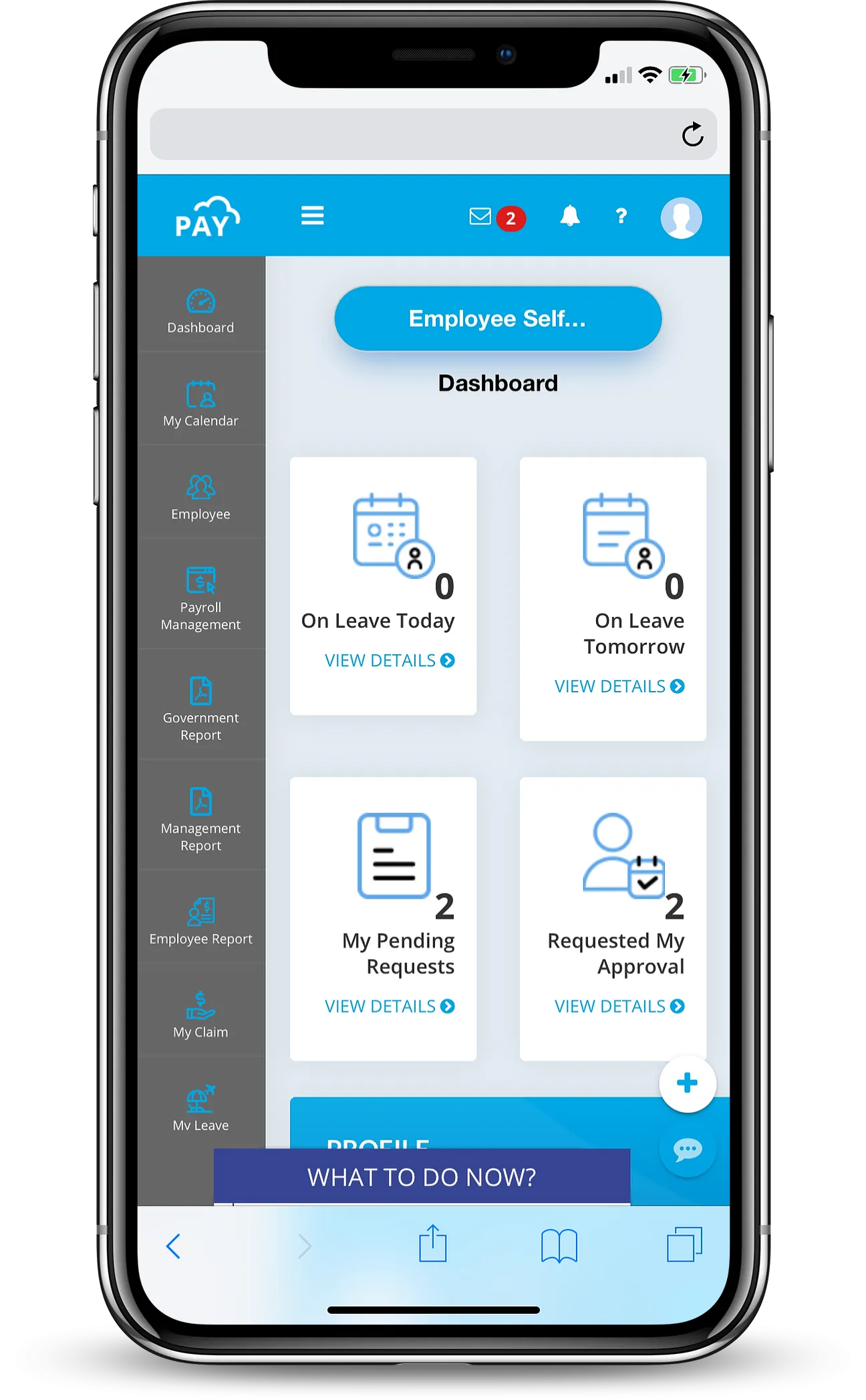
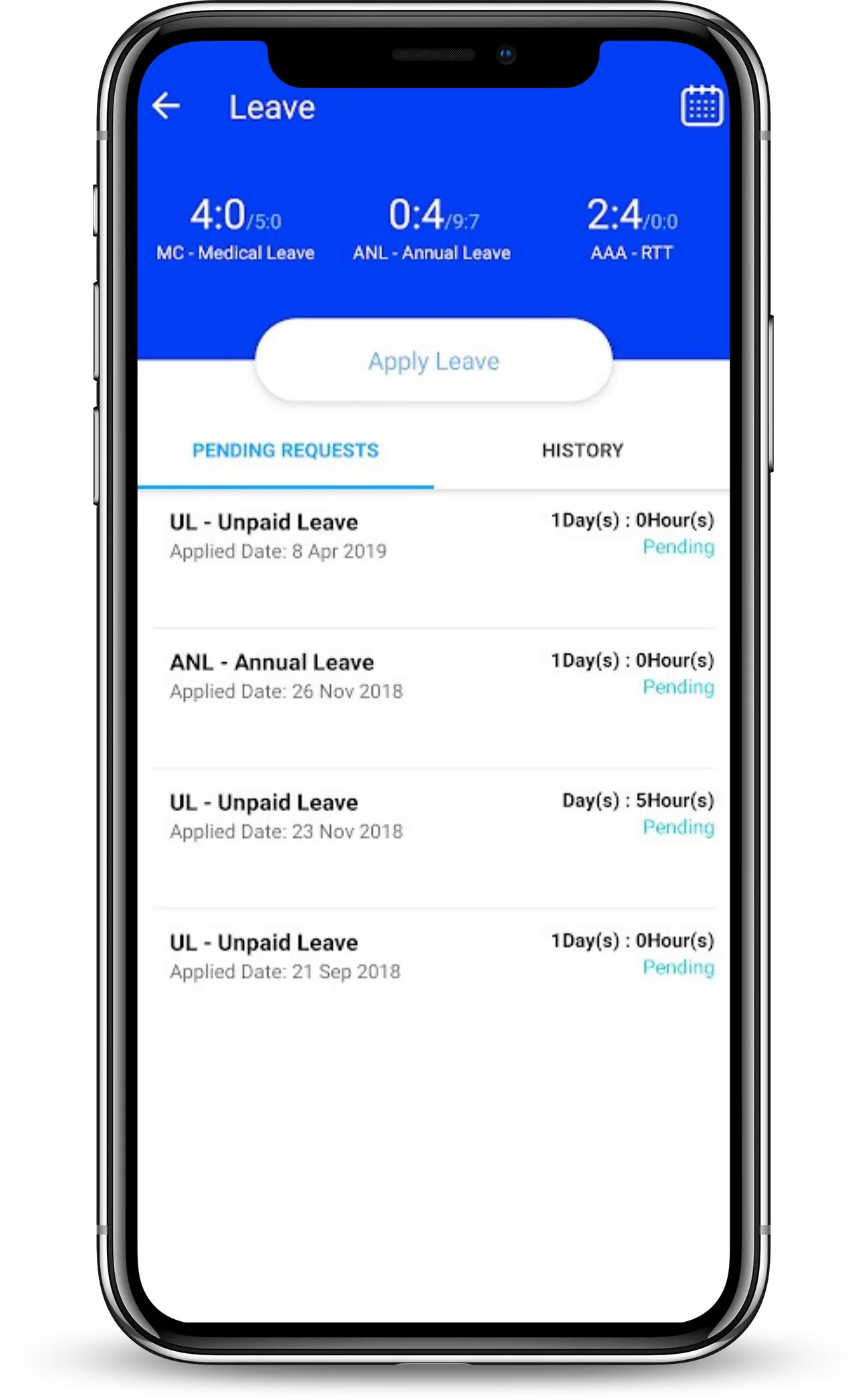
Leave balances, claims, payslips and approval status generate repeat questions when self-service is not organised.
Devices, imports, access roles and integrations are discussed after purchase instead of before the solution is selected.
One connected HRMS
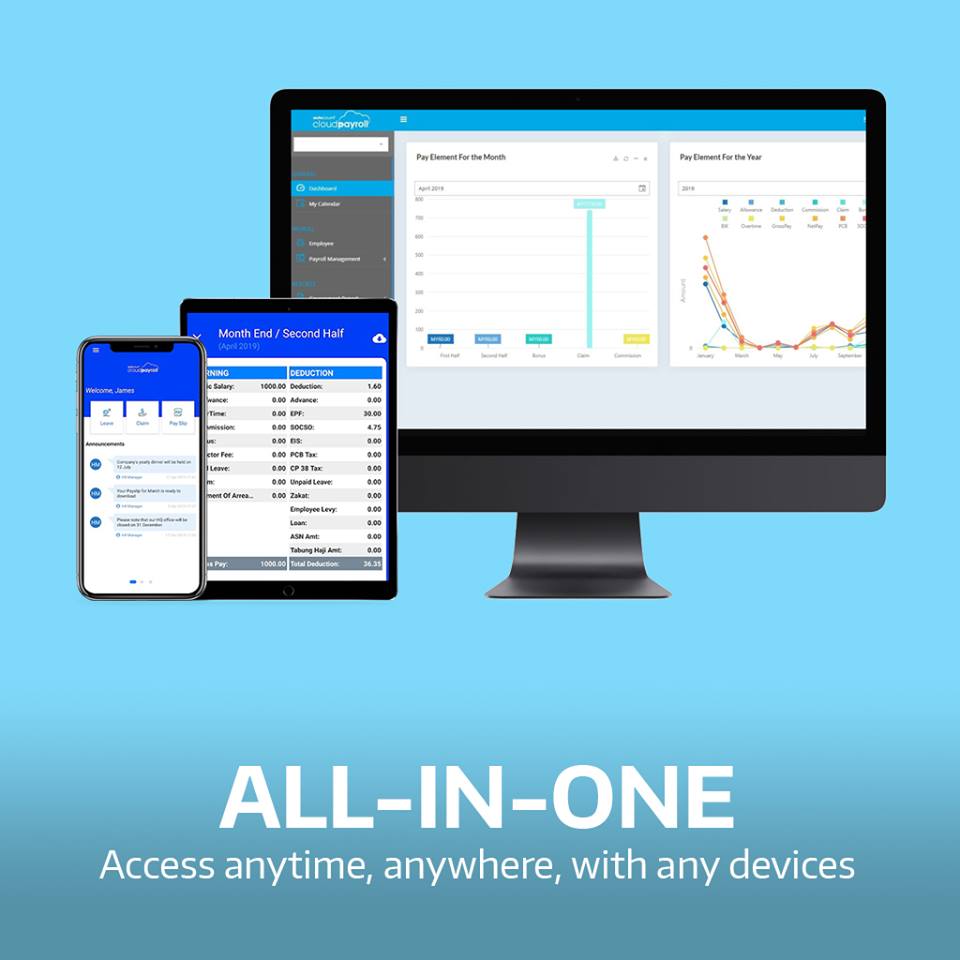
AutoCount's two official product pages describe one workflow: HR maintains the records and approvals, eAttendance supplies verified time data, and payroll turns those approved inputs into statutory calculations and payment output.
Compare the three published plansProcess salary, allowance, deduction, overtime and statutory items, prepare electronic payment, email payslips and post payroll to AutoCount Cloud Accounting.
Employees submit leave and claims through self-service while managers follow configured approval paths instead of passing spreadsheets and messages to HR.
Support geolocation, Wi-Fi, Bluetooth, mobile face clocking or iFace hardware, then review transactions, shifts, rosters, overtime and work-hour adjustments.
AutoCount's current HRMS page highlights AI help for employee setup, HR letters, formulas, spreadsheet imports, reports, grid summaries and audit-log questions.
What the eAttendance page adds
The official eAttendance product is not a separate payroll plan. It strengthens Premium with flexible clocking, attendance control and a cleaner hand-off into wages and overtime.
Choose the method that fits the worksite: geolocation, Wi-Fi, Bluetooth, mobile facial recognition or an iFace biometric device.
HR reviews clocking details and maps; employees request overtime or work-hour adjustments; managers approve exceptions.
Maintain fixed time rules or flexible rosters across workdays, breaks, branches and different employee groups.
Transfer approved attendance data into payroll so wage and overtime calculations start from reviewed records.
Published free mode: AutoCount states that eLeave, eClaim and eAttendance support up to 10 employee headcounts in free mode. We still confirm the current conditions and the operating fit before rollout.
Start Free Trial
Why VECTOR DYNAMIC
Vector Tan has worked in IT software and management since 2009 and has focused on HR and business software since 2018.
Map payroll cycles, data sources, approvals, exceptions and user roles.
Compare the operating fit and agree what belongs in the first phase.
Guide key users through the workflow they will operate after go-live.
Implementation readiness
The exact duration depends on scope, data quality, key-user availability, integrations and testing—not on a generic website promise.
Employee count, entities, pay cycles, approvals, attendance, leave, claims, reports and current pain points.
Company settings, employee master data, payroll items, statutory details, calendars, leave rules and access roles.
Set up the agreed modules and test representative employees, exceptions, approvals and output checks.
Train responsible users, confirm the cutover checklist and retain a clear exception-handling process.
Official published plan comparison
Express is payroll-first, Premium connects the full employee workflow, and Accountant is built for multi-client payroll processing. Every plan can start with a trial.
| Compare plans | |||
|---|---|---|---|
| Plan fit | |||
| Best for | Payroll processing without eLeave, eClaim or eAttendance | Payroll, eLeave, eClaim and eAttendance in one HR workflow | Accounting firms or payroll outsourcing companies |
| Payment frequency | Yearly | Monthly / yearly | Yearly |
| Employee headcount | From 30 · unlimited companies | From 5 · unlimited companies | From 300 · unlimited companies |
| Included payroll users | 1 | Unlimited with 12-month purchase | 2 |
| HR & employee self-service | |||
| eLeave & eClaim | — | ✓ | — |
| eAttendance | — | ✓ | — |
| e-Approval setting | — | Multiple | — |
| Employee downloads own payslip | — | ✓ | ✓ |
| Employee profile maintenance | ✓ | ✓ | ✓ |
| Organisation & access | |||
| Branch, project & employee type settings | — | ✓ | ✓ |
| Department setting | Excludes sub-departments | Includes sub-departments | Includes sub-departments |
| Organisation chart | ✓ | ✓ | ✓ |
| Bank account setting | Single | Multiple | Multiple |
| Calendar setting | Single | Multiple + advanced calendar | Multiple + advanced calendar |
| Multiple access groups | — | ✓ | ✓ |
| Payroll & compliance | |||
| Payroll process types | ✓ | ✓ | ✓ |
| EPF, SOCSO, EIS, tax, Zakat, Tabung Haji & ASN | ✓ | ✓ | ✓ |
| LHDN monthly payroll calculator link | ✓ | ✓ | ✓ |
| Allowance, deduction & overtime formulas | ✓ | ✓ | ✓ |
| Electronic payment & payslip email | ✓ | ✓ | ✓ |
| Payslip notification by web, email & app | — | ✓ | ✓ |
| Loan repayment scheduler & report design | ✓ | ✓ | ✓ |
| Posting to AutoCount Cloud Accounting | ✓ | ✓ | ✓ |
| Online chat support & 2-factor authentication | ✓ | ✓ | ✓ |
| Plan fit | ||
|---|---|---|
| Best for | ||
| Payroll processing without eLeave, eClaim or eAttendance | Payroll, eLeave, eClaim and eAttendance in one HR workflow | Accounting firms or payroll outsourcing companies |
| Payment frequency | ||
| Yearly | Monthly / yearly | Yearly |
| Employee headcount | ||
| From 30 · unlimited companies | From 5 · unlimited companies | From 300 · unlimited companies |
| Included payroll users | ||
| 1 | Unlimited with 12-month purchase | 2 |
| HR & employee self-service | ||
| eLeave & eClaim | ||
| — | ✓ | — |
| eAttendance | ||
| — | ✓ | — |
| e-Approval setting | ||
| — | Multiple | — |
| Employee downloads own payslip | ||
| — | ✓ | ✓ |
| Employee profile maintenance | ||
| ✓ | ✓ | ✓ |
| Organisation & access | ||
| Branch, project & employee type settings | ||
| — | ✓ | ✓ |
| Department setting | ||
| Excludes sub-departments | Includes sub-departments | Includes sub-departments |
| Organisation chart | ||
| ✓ | ✓ | ✓ |
| Bank account setting | ||
| Single | Multiple | Multiple |
| Calendar setting | ||
| Single | Multiple + advanced calendar | Multiple + advanced calendar |
| Multiple access groups | ||
| — | ✓ | ✓ |
| Payroll & compliance | ||
| Payroll process types | ||
| ✓ | ✓ | ✓ |
| EPF, SOCSO, EIS, tax, Zakat, Tabung Haji & ASN | ||
| ✓ | ✓ | ✓ |
| LHDN monthly payroll calculator link | ||
| ✓ | ✓ | ✓ |
| Allowance, deduction & overtime formulas | ||
| ✓ | ✓ | ✓ |
| Electronic payment & payslip email | ||
| ✓ | ✓ | ✓ |
| Payslip notification by web, email & app | ||
| — | ✓ | ✓ |
| Loan repayment scheduler & report design | ||
| ✓ | ✓ | ✓ |
| Posting to AutoCount Cloud Accounting | ||
| ✓ | ✓ | ✓ |
| Online chat support & 2-factor authentication | ||
| ✓ | ✓ | ✓ |
Straight answers
Customer voices
Real customer videos help your buying team understand the practical experience behind the product discussion.

Customer testimonial
Watch the customer share its experience with the HRMS solution and implementation journey.

Customer testimonial
See a customer perspective on managing people workflows with AutoCount HRMS.
Next step
Tell Vector what your team is doing manually, what must connect and what has to be ready first.