One-computer bottleneck
Work stops when the office computer, file or person holding the latest records is unavailable.
Cloud accounting solutions
Bring sales, purchases, expenses, cash visibility and e-Invoice preparation into one accessible accounting workflow, with the right people responsible for each step.
Start with the business problem
Cloud accounting is useful when it removes a real operating bottleneck—not simply because the software runs in a browser.
Work stops when the office computer, file or person holding the latest records is unavailable.
Sales, purchases, receipts and supporting documents are spread across email, chat and spreadsheets.
The same transaction is keyed, checked and reconciled more than once, increasing delay and avoidable errors.
Rejected documents, missing information and e-Invoice follow-up have no clearly assigned owner.
Why businesses move to the cloud
The exact access, modules and automation depend on the selected plan and configuration. The goal is a clearer working process.
English video guide
Use this walkthrough to understand the decision before comparing plans or requesting a quotation.
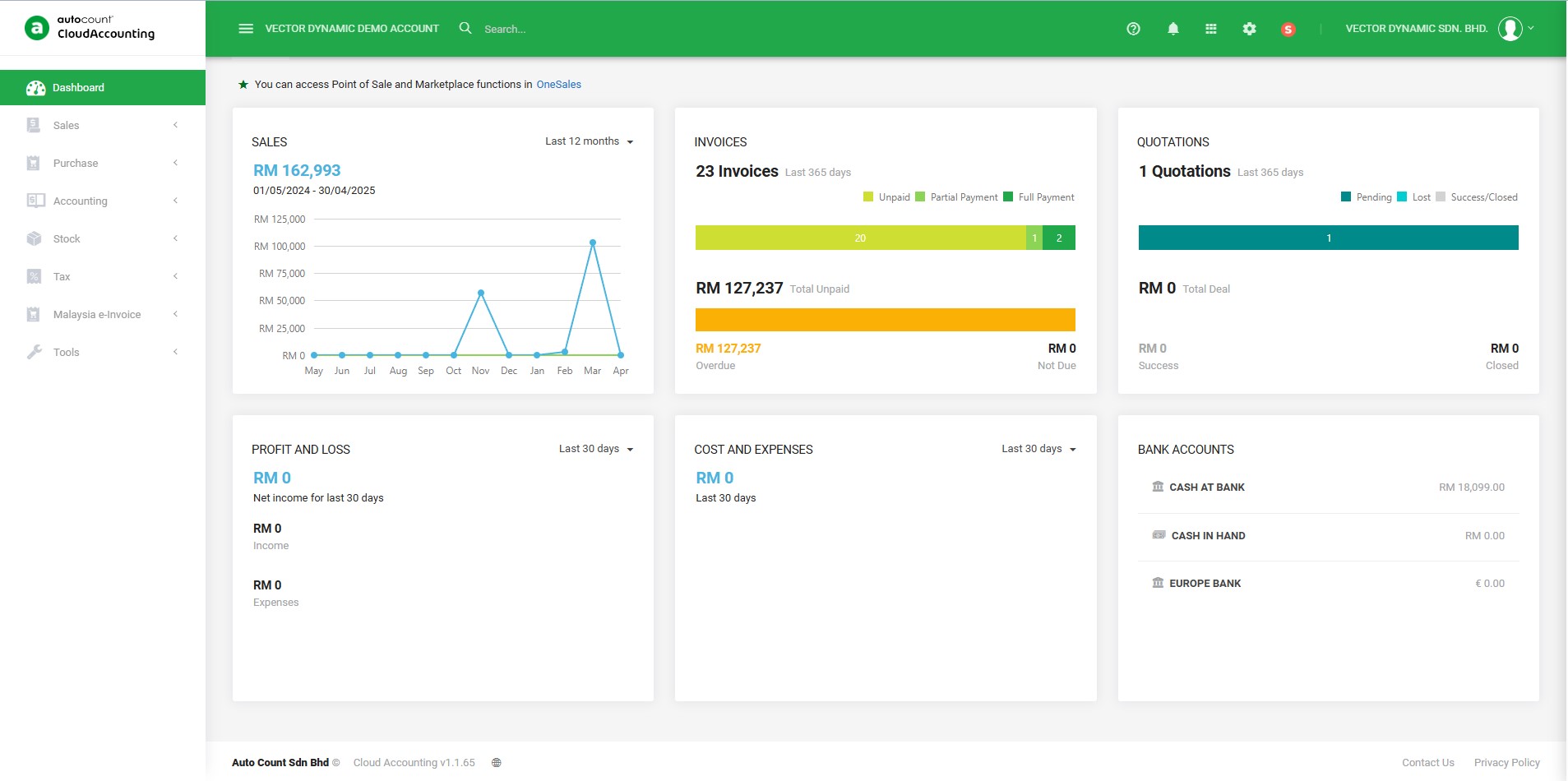
Before you move
Confirm these six items before configuration so the new system does not reproduce the old confusion online.
Registration, taxpayer and contact details.
Accounts, balances and transition date.
Customers, suppliers, items and classifications.
Who creates, reviews, approves and reports.
Normal, rejected and exceptional transaction handling.
Key-user testing, cutover and support scope.
A product path to evaluate
Review sales, purchase, accounting, inventory options, e-Invoice considerations and VECTOR DYNAMIC's implementation approach on the product page.
View product detailsYou might also be interested
Explore adjacent solutions only when they match the way your business sells or manages people.
Bring us the current accounting workflow
Vector Tan personally handles requirement discovery, solution recommendation and key-user training.