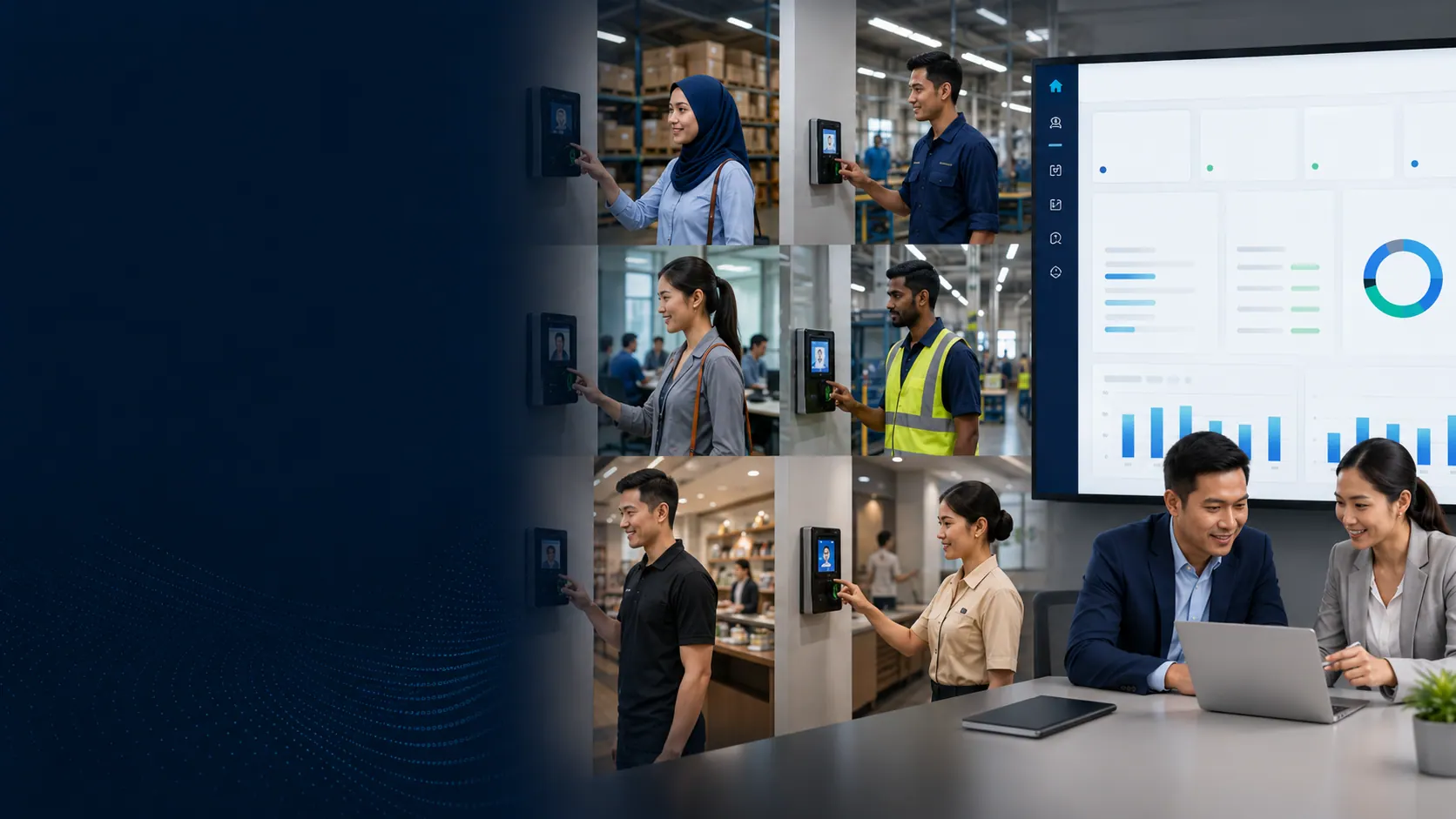

FingerTec TCMS V3 · Windows attendance management
Turn FingerTec terminal logs into schedules, attendance results and usable reports.
VECTOR DYNAMIC connects supported FingerTec terminals, configures attendance rules, prepares users and trains administrators to manage a controlled local attendance workflow.
Specification & deployment fit
Check the operating context before quotation.
Model, edition, capacity, device compatibility and implementation scope are confirmed during the requirement review.
| Model / solution | FingerTec TCMS V3 |
|---|---|
| Verification / workflow | Administrator-controlled attendance processing |
| Capacity / plan | Confirm MDB/MySQL edition and device compatibility |
| Connectivity | Windows, database and supported terminals |
| Best-fit scene | Locally managed attendance, reports and export |
Final fit depends on the selected model, edition, workplace conditions and agreed workflow.
Problem → practical workflow
Downloading clocking logs is not the same as preparing attendance.
Schedules, clocking pairs, overnight work, OT, missing punches, amendments and exports still need a defined administrator workflow.
Manual log collection
Unplanned downloads make cut-off dependent on one person remembering every device.
Wrong schedule results
A correct punch can still calculate wrongly when shift and clocking rules are not configured.
No tested backup
A local attendance database needs scheduled backup and an owner who knows how to recover it.

Attendance administration in context
From terminal logs to an administrator-ready result
TCMS V3 becomes useful when downloads, schedules, corrections, reports and backups are owned as one repeatable local process.
Download logs
Collect transactions from supported terminals.
Process rules
Apply schedules and review attendance exceptions.
Export reports
Prepare approved payroll output and keep a backup.
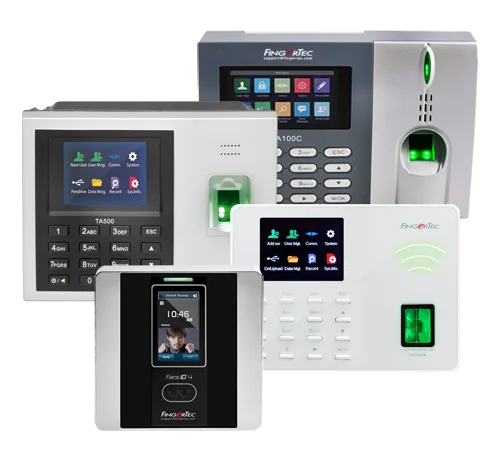
Fit before feature
A practical fit for supported FingerTec terminals and local Windows administration
- Terminal model and TCMS edition compatibility
- Windows, database, network and user access
- Shift, clocking, OT and amendment rules
- Backup, retention and payroll output process
What your team can do
FingerTec TCMS V3 capabilities for daily work
Understand the outcome each capability supports, then confirm the right product, plan and implementation scope with VECTOR DYNAMIC.
Central device management
FingerTec documents TCMS V3 support for connecting multiple compatible attendance terminals.
Scheduled download
Configure automatic attendance-log download where the network and device support it.
Attendance rules
Set schedules and process clocking data into attendance results for review.
30+ reports
Current official materials document more than 30 attendance reports with common export formats.
Payroll output
Export raw or processed attendance through the method verified for the payroll system.
Backup & audit trail
Schedule database backup and retain configuration history for stronger administration control.
Plan for what matters now
Current FingerTec models may require the MySQL edition.
FingerTec’s current TCMS V3 user manual states that newer models including Face ID 5, Face ID 6 and Kadex+ must use TCMS V3 MySQL rather than the MDB edition. Compatibility, operating system and database requirements are therefore checked before upgrade or new installation.
What we confirm with you
Your plan, compatible hardware, user access and implementation responsibilities are made clear before the project starts.
From decision to daily use
Implementation with VECTOR DYNAMIC
A clear four-stage path from requirement to daily operation.
1. Requirement review
Confirm locations, users, current process, exceptions and the result your team needs.
2. Solution design
Match the suitable plan, device or software configuration to the real operating workflow.
3. Setup & testing
Prepare master data, configure roles and test normal and exception scenarios before launch.
4. Training & go-live
Train key users, provide a go-live checklist and support the controlled move into daily use.
Trust before transaction
What you can verify before deciding
Johor Bahru office
Local discovery, implementation and training from VECTOR DYNAMIC in Taman Setia Eco Cascadia.
Scope before quotation
The proposed plan, devices, integrations and support scope are confirmed before commitment.
Workflow-based training
Training uses the roles and scenarios your team will handle after go-live.
Advice in plain language
We explain the practical differences, recurring costs and setup responsibilities so your team can decide with confidence.
51-02, JALAN ECO CASCADIA 6/1, TAMAN SETIA ECO CASCADIA, 81100 JOHOR BAHRU, JOHOR